How to Reconcile UTC Payout Batches to a Local Close
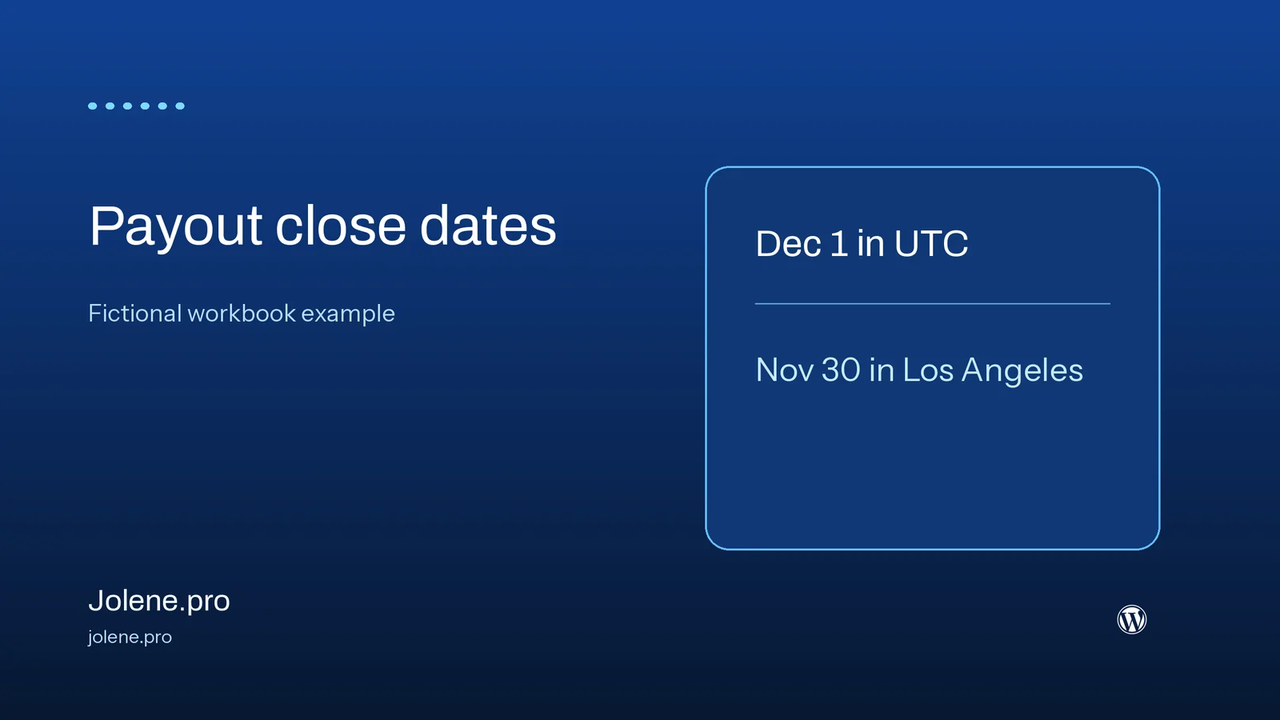
The same payout batch can appear on different calendar days in UTC and a local close. In this fictional Los Angeles example, B01 appears on December 1 in the UTC export and on November 30 in the close.
Compare two date keys from the same timestamp
| Source row | Batch | UTC timestamp | Los Angeles timestamp | Amount |
|---|---|---|---|---|
| Batches!A2:C2 | B01 | December 1 00:30 | November 30 16:30 | USD 120 |
| Batches!A3:C3 | B02 | December 1 08:30 | December 1 00:30 | USD 80 |
| Batches!A4:C4 | B03 | November 30 23:30 | November 30 15:30 | USD 50 |
| Batches!A5:C5 | B04 | Missing | Unresolved | USD 40 |
- Choose the timestamp that your report actually filters, such as batch or transfer time, and retain the UTC value. Derive the reporting date with the named local time zone and its offset on that date. Use date-specific conversion across daylight-saving changes.
- For the fictional November 30, 2026 Los Angeles close, use November 30 08:00 UTC inclusive and December 1 08:00 UTC exclusive. If the API only accepts UTC dates, retrieve both covering dates and apply that time interval to the returned rows.
- December 1 UTC contains B01 and B02 for USD 200. November 30 in Los Angeles contains B01 and B03 for USD 170. Hold B04 separately until its timestamp is established.
Payabli’s November release says the batchDate and transferDate filters now use UTC, matching the existing response timestamps. The batch date documents that event. Bank settlement requires its own matching evidence.
Try it in Jolene.pro with a spreadsheet you are authorized to use.