How to Build an Open Purchase Order Follow-Up List in Excel
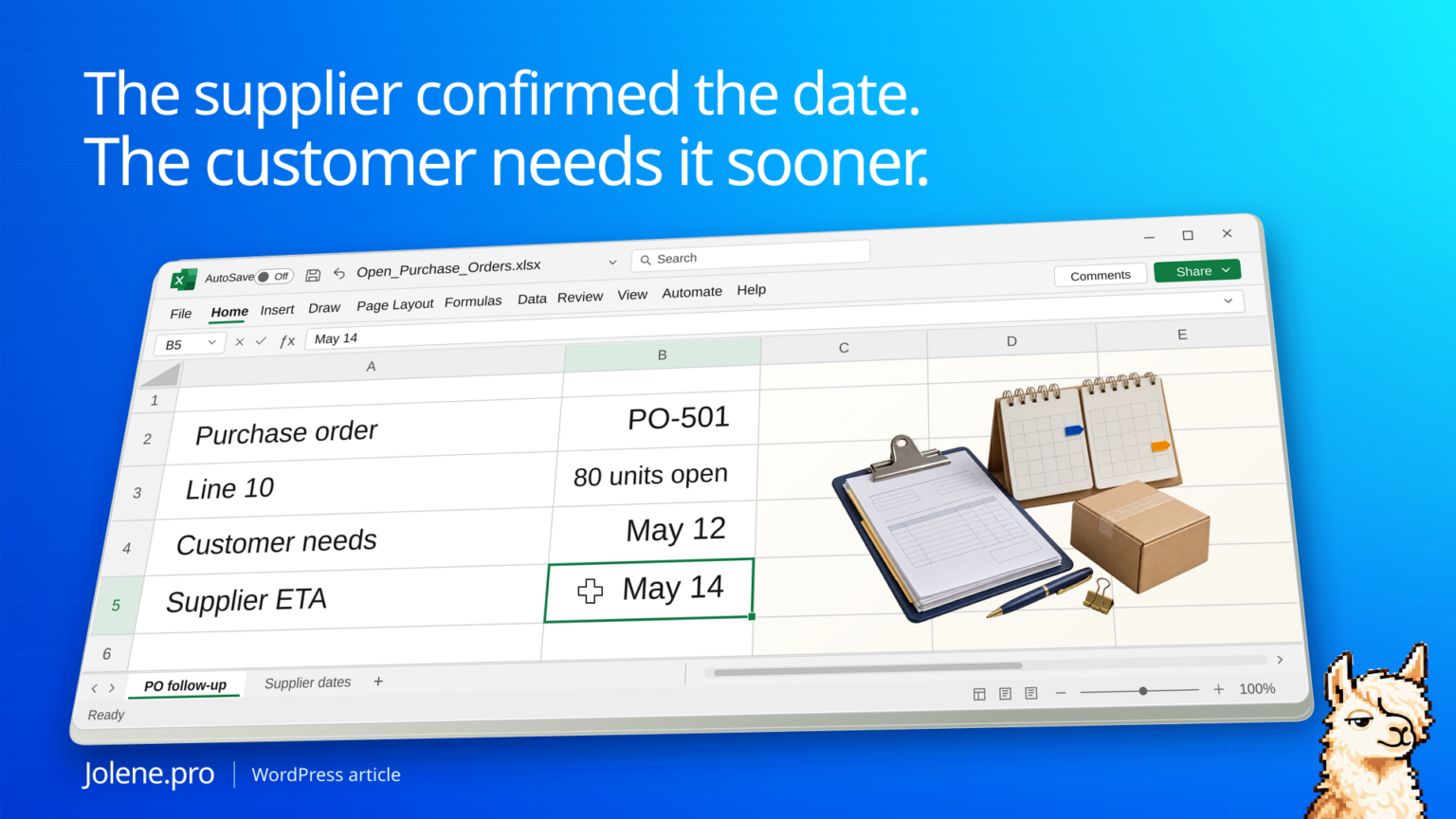
The PO header says Friday. A customer order needs 80 units tomorrow morning. The previous delivery covered part of the order, but those units are allocated elsewhere. A weekly report organized around the PO header can leave the coordinator looking at the wrong line.
Track open quantities at PO line or delivery-schedule level, then compare revised supplier dates with the demand they cover. Rank action items by the customer or production commitment at risk.
Which line gets the first phone call?
The buyer is reviewing open receipts on May 11. The first line has 200 ordered and 120 accepted; the remaining units are the only supply assigned to the May 12 demand.
| PO line | Open units | Supplier confirmation | Demand need date | Next step |
|---|---|---|---|---|
| PO-501 / 10 | 80 | May 14 | May 12 | Call about a split or expedite |
| PO-503 / 20 | 60 | May 13 | May 15 | Monitor confirmation |
| PO-504 / 10 | 40 | Unconfirmed | May 18 | Request a firm date |
The 80 units on PO-501 get the first call. PO-504 belongs in the confirmation queue. Its blank ETA cannot support a promised date.
Use accepted receipts and open schedule lines
Export the outstanding PO lines, receipt history and delivery schedule. Join by PO and line, including schedule identifiers where available. Calculate open units after accepted receipts and cancellations when the export doesn’t already provide them. Keep rejected and disputed receipts visible.
Bring customer or production demand into the same review
Use explicit allocations where available. For unallocated supply, state the priority rule and avoid assigning the same stock to several demands. Keep original requested date, latest confirmed date, and required date in separate columns.
Run the call list again before the next buying meeting
Keep the original confirmation and latest supplier update. That makes it possible to tell whether a previously flagged line cleared or simply had its ETA changed.
Which open PO schedules arrive after the demand they cover, and which urgent lines have no confirmed ETA? Show remaining units, the affected orders, and source rows.
Call on the line-level quantity and date. Ask the supplier to confirm the partial shipment explicitly before revising the customer promise.
NetSuite open purchase orders · Dynamics 365 purchase order delivery schedules
The figures and identifiers in this example are synthetic. The displayed arithmetic was checked independently. A live Jolene.pro result could not be verified.
Try this with your own spreadsheet at Jolene.pro. Follow Jolene.pro on LinkedIn for more spreadsheet guides.
For more checked examples, see Jolene.pro Workbook Studies.
Related checks: How to Find Open Purchase Orders for an Old BOM Revision · How to Review MRP Reschedule-Out Messages for Open Purchase Orders.