How to Track Missing Auto Parts Core Credits in Excel
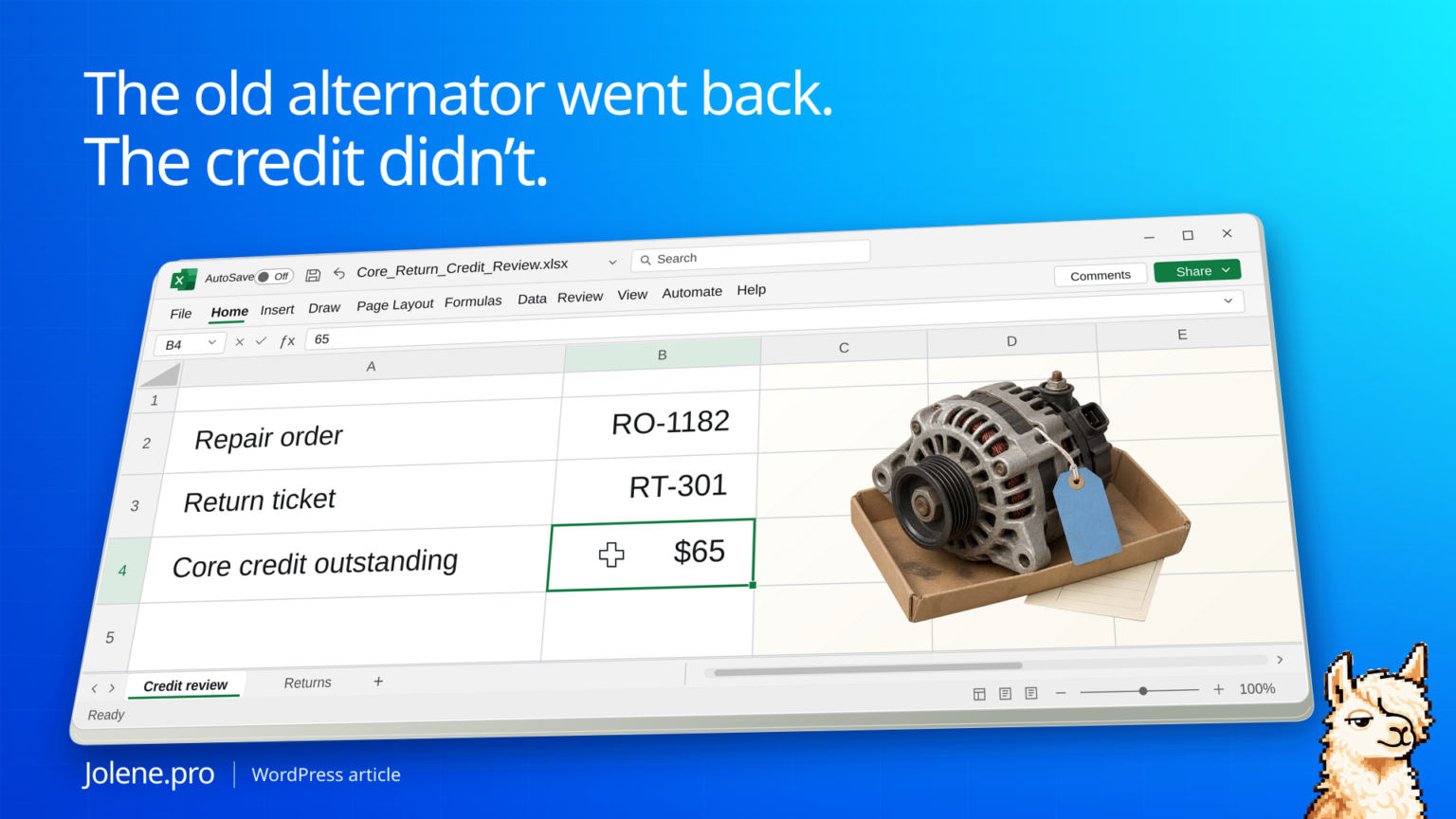
The replacement alternator is on the repair order and the vendor acknowledged the old core’s return nine days ago. The Friday review still shows no posted credit against the $65 charge. That’s the sort of item a parts manager can lose track of between the counter and accounting.
Match the original core charge, the completed return, and the vendor credit. Send follow-ups for overdue returned cores with no matching posted credit. Keep cores still on the shelf in a separate pickup queue.
Three cores, three different next steps
This shop uses seven days from acknowledged return as its review cutoff. Its Friday worksheet contains these three lines.
| Repair order | Core charge | Return record | Credit posted | Next action |
|---|---|---|---|---|
| RO-1182 | $65 | RT-301 · 9 days ago | $0 | Ask vendor for credit |
| RO-1189 | $95 | Still at shop | $0 | Put on next pickup |
| RO-1191 | $80 | RT-309 · 4 days ago | $80 | Close the item |
Only $65 belongs on the missing-credit list. Another $95 requires a physical return. Keeping both in one overdue balance would send the vendor an item the shop still has.
Use a line reference that survives the return
Start with the parts purchase or RO export, then add the return log and vendor statement. Keep vendor, original invoice line, core amount, return ticket, return date and credit memo reference. A part number can occur on multiple jobs. Use the linked reference or confirm a composite match before assigning a credit.
Reconcile what was actually credited
Sum credit lines tied to the same return after verifying sign conventions. Flag partial credits, split credits and deferred-core arrangements. Use a dated snapshot so a statement issued before a return doesn’t make the return look overdue.
Turn Friday’s review into a vendor call list
Keep the return ticket and original invoice on each exception so the vendor can find it while you’re on the phone.
Which acknowledged core returns are older than seven days and lack a full posted credit? Show the RO, return ticket, remaining credit, vendor and supporting rows.
Keep a separate line for unresolved matches. A matching dollar amount alone is weak evidence that a particular core was credited.
Tekmetric’s core tracking and returns guide · Tekmetric’s deferred core guide
The figures and identifiers in this example are synthetic. The displayed arithmetic was checked independently. A live Jolene.pro result could not be verified.
Try this with your own spreadsheet at Jolene.pro. Follow Jolene.pro on LinkedIn for more spreadsheet guides.
For more checked examples, see Jolene.pro Workbook Studies.