Your Store Shows $20,000 in Sales. Why Did $18,400 Hit the Bank?
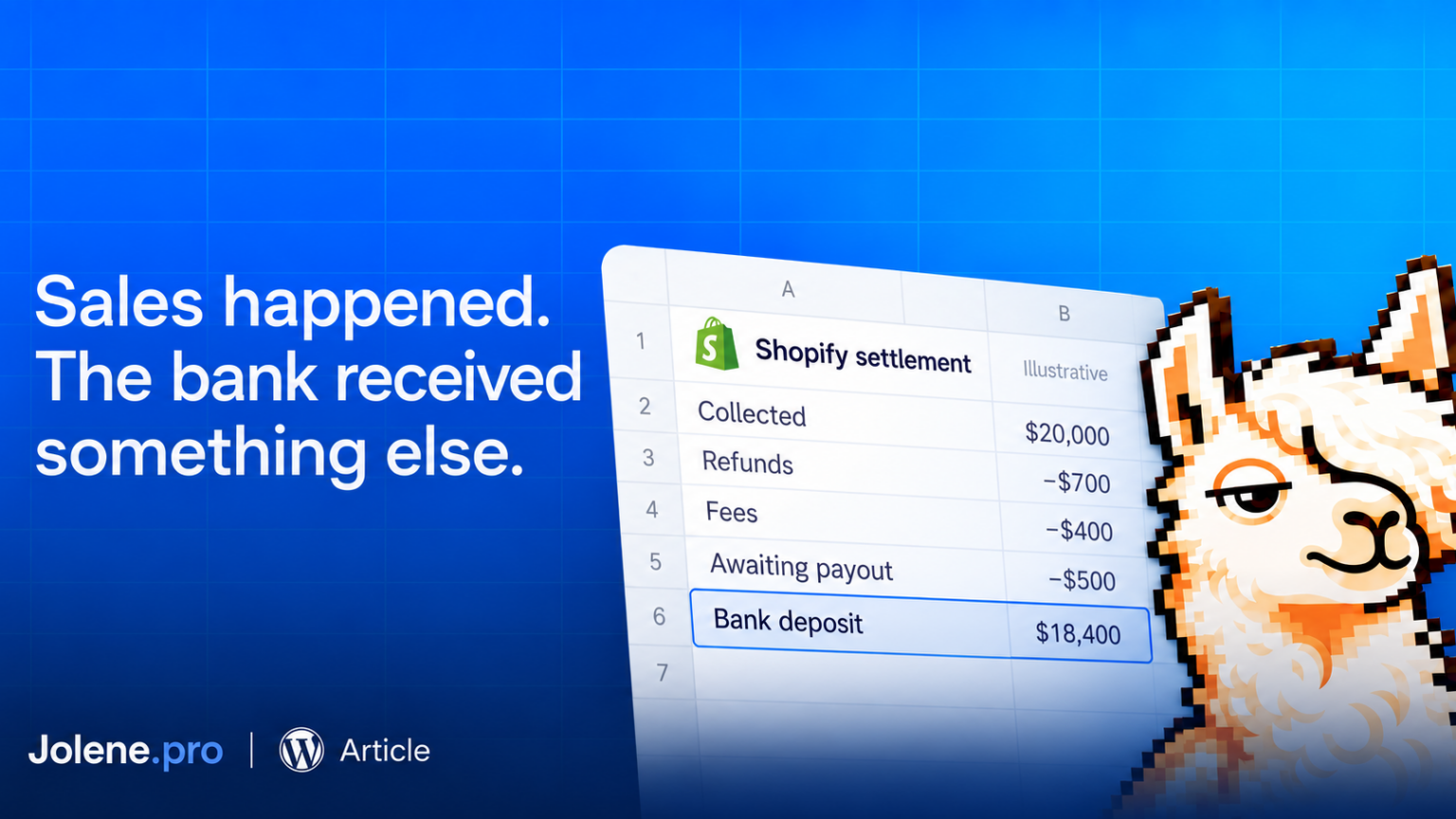
Your store had a $20,000 week. The bank received $18,400.
Before treating the $1,600 difference as missing money, check what each number measures. Sales, customer payments and bank deposits describe different stages of the same business.
Ecommerce payout reconciliation means matching a payment provider’s payout to the transactions behind it, then matching that payout to the bank deposit.
The bank statement rarely includes a thoughtful explanation of your week.
Start with one payout
Choose one payout reference and currency. Gather the provider’s transaction export, the payout details and the corresponding bank entry. Keep your order export nearby to investigate individual purchases.
Shopify Payments lets merchants export transactions for a specific payout, including fees. That gives you a more useful starting point than comparing a sales dashboard with everything deposited that week. help.shopify.com
Preserve transaction IDs, order references, transaction types, dates, gross amounts, fees, net amounts and payout references wherever available.
Match using those references. Two transactions having the same amount does not make them the same transaction.
Explain the $1,600 difference
Here is a fictional, simplified example.
After checking the sales report, you confirm that $20,000 represents payments actually collected through one provider in one currency.
There was no opening provider balance. During the period, $700 went to refunds and $400 to processing fees. Another $500 remained with the provider after those deductions, awaiting a later payout.
The calculation is:
$20,000 collected − $700 refunds − $400 fees − $500 remaining balance = $18,400 deposited.
The difference is explained. It is not all an expense, and it is not all missing.
The $500 is a balance to track into the next period. The refund and fee amounts should each trace back to their transaction records.
This example assumes no disputes, reserves, currency conversion or other adjustments, and that all payouts sent during the period reached the bank.
Check dates and definitions before fixing anything
An order date, payment date, payout date and bank posting date can differ. A sale near the end of the week may belong to a later payout.
Also check what your sales total includes. Unpaid orders, other payment providers, taxes and shipping can make it unsuitable for a direct comparison with one provider’s deposits.
Shopify identifies fees, refunds and other deductions as possible reasons for lower payouts. Its documentation also distinguishes settlement timing from the bank’s processing time. help.shopify.com
For each payout, first check that its transaction net amounts add up to the payout total. Then match the payout to the bank entry. If they disagree, investigate that specific difference.
When an export already provides net amounts, check their definition before subtracting fees again.
Give the spreadsheet a useful job
Keep the transaction export, payout summary and bank entries in separate sheets of an Excel workbook.
Jolene.pro can analyze across workbook sheets and provide source-cell, row and sheet references. Those references help a reviewer check which records support an explanation.
A useful analysis request is: “Compare payout totals with bank deposits by reference and currency. Show unmatched entries and the source rows behind each difference.”
The goal is a short explanation someone can verify: what was collected, what was deducted, what reached the bank and what remains outstanding.