How to Prioritize Older Road Repair Requests From a Work Order Export
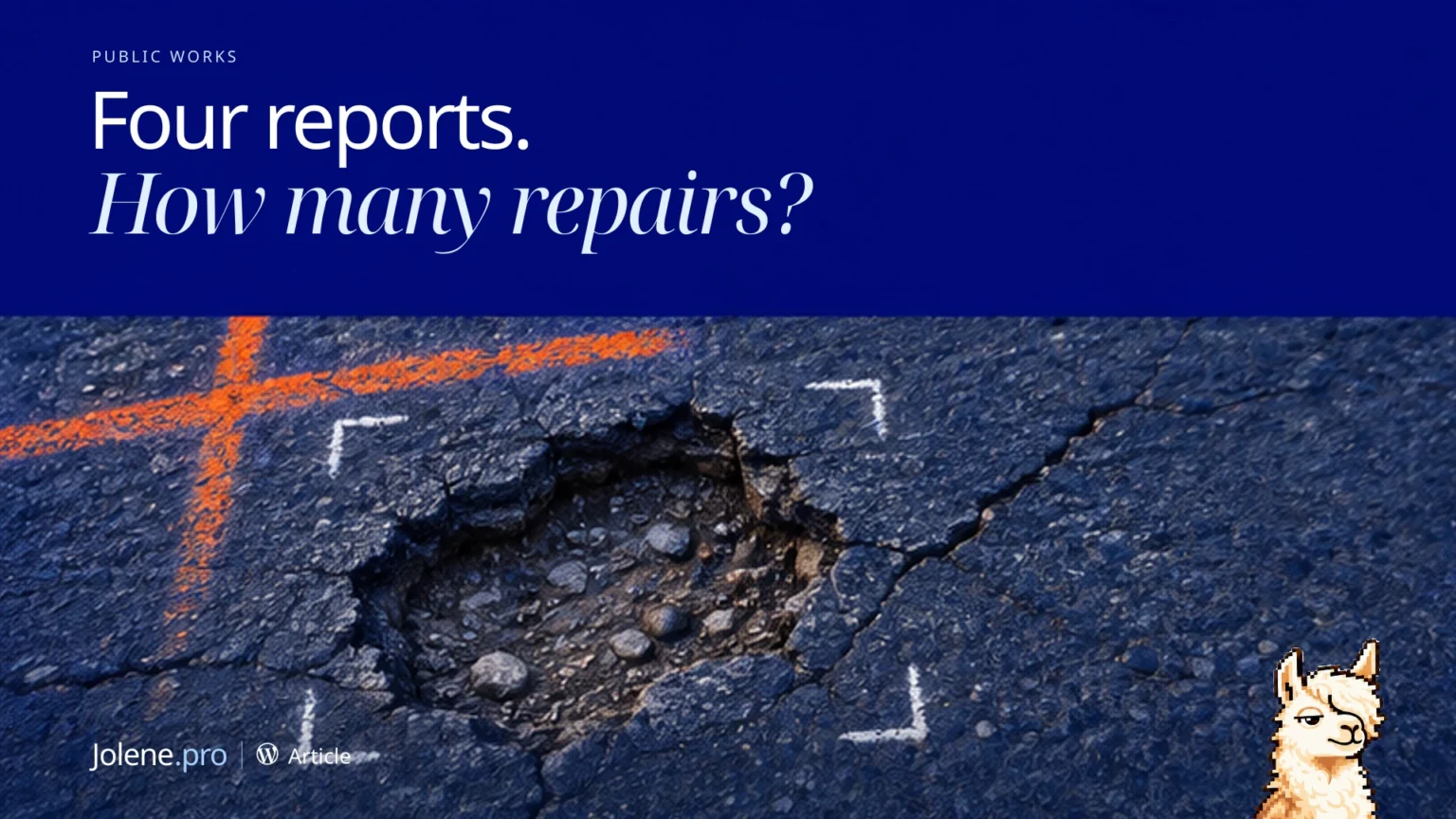
Four reports mention the same street segment. The maintenance queue shows four open items. Check whether they represent one repair or separate locations before assigning crews.
What to pull
Use Excel request and work order tabs or export requests from your service portal and maintenance orders from your asset system. Keep asset or segment, location, issue, status and date.
How to check it
Group possible duplicates by segment, issue and timing. Link closed or scheduled work where documented. Keep unresolved requests visible under the agency’s approved priority criteria.
Select the relevant sheets in Jolene.pro and run this check.
Which older road issues still need a work order or follow-up? Group likely duplicates and show source rows.
What to do with the result
Give the supervisor confirmed gaps with the affected segment and oldest request date. Keep uncertain locations available for verification.
Use official inspection, service and priority procedures for field decisions.